Starter
Your first taste of Jeju
₩190,000
- Basic profiles
- All Z-series models
- Install guide (PDF)
- Lifetime license
Color profiles for Nikon
Shoot the color. No editing.
01 — About
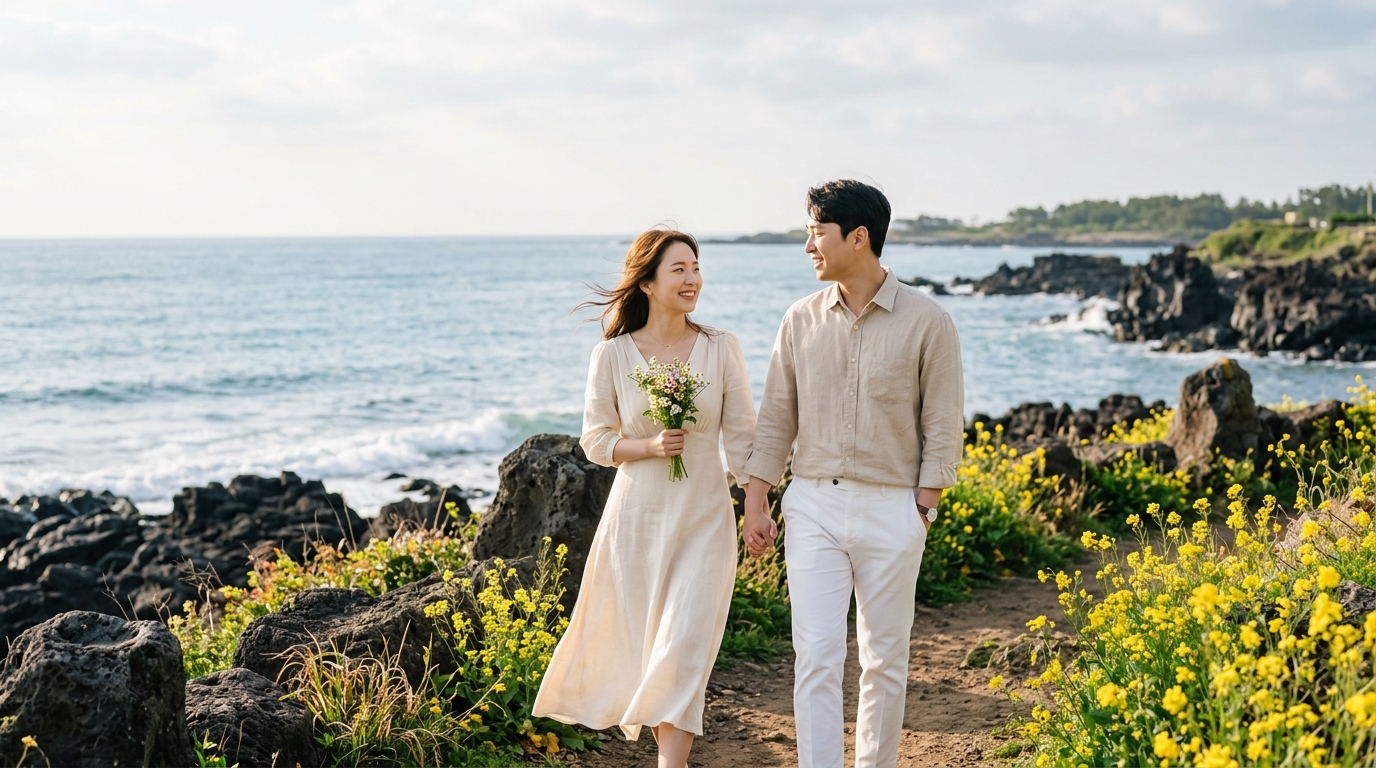
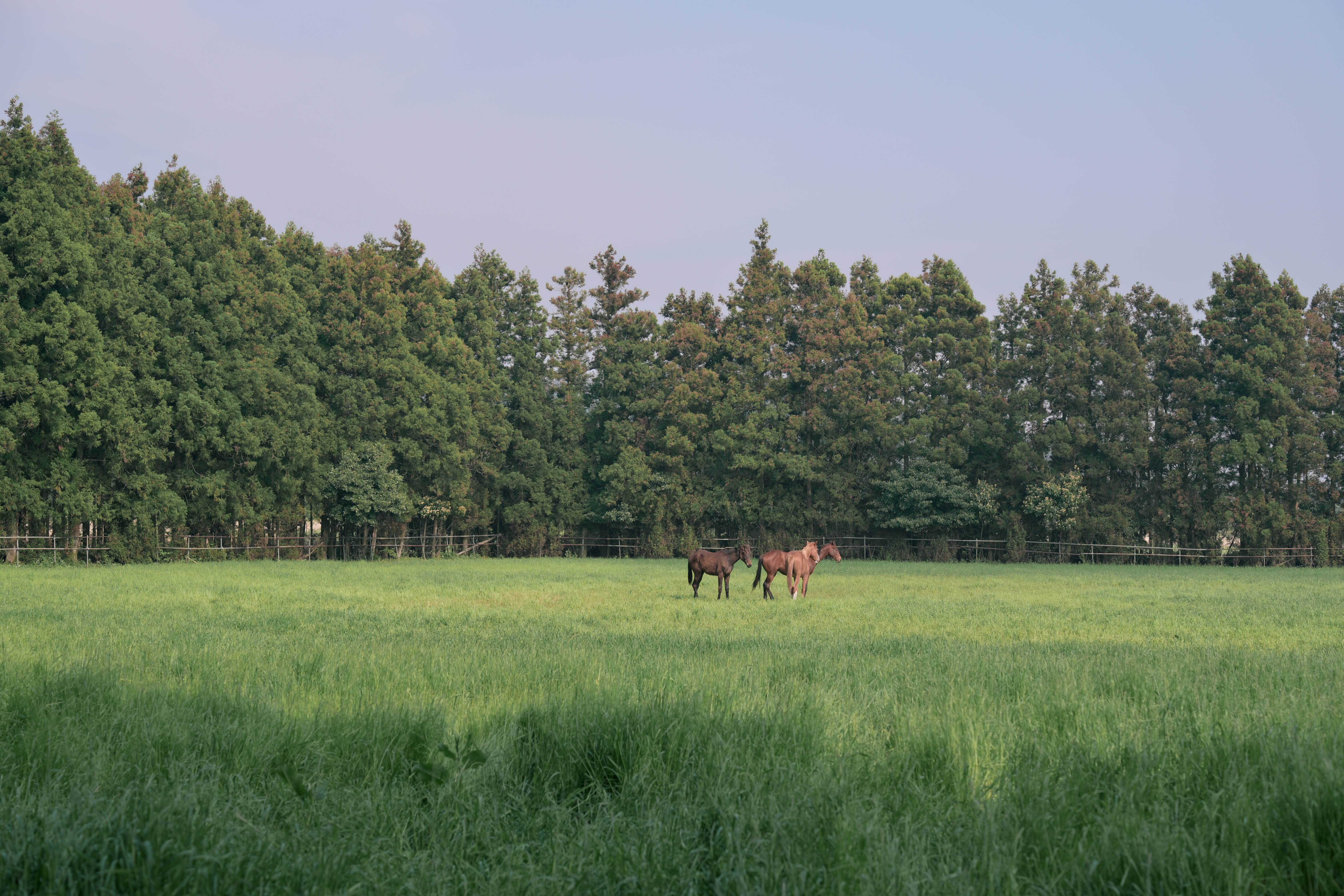
Same camera, same scene — yet the color of Jeju always slips away. ARAO is a set of color recipes built from the island's own light: the black of basalt, the yellow of rapeseed, the teal of the sea.
Measured on location, season by season, and tuned to Nikon's Picture Control. Press the shutter, and Jeju stays in the frame.
View the profiles →Measured, not imagined
Real light, sampled on the island.
Tuned for Nikon
Built on Z-series color science.
No editing
Straight from the camera.
02 — Compare
Drag to compare the same frame.
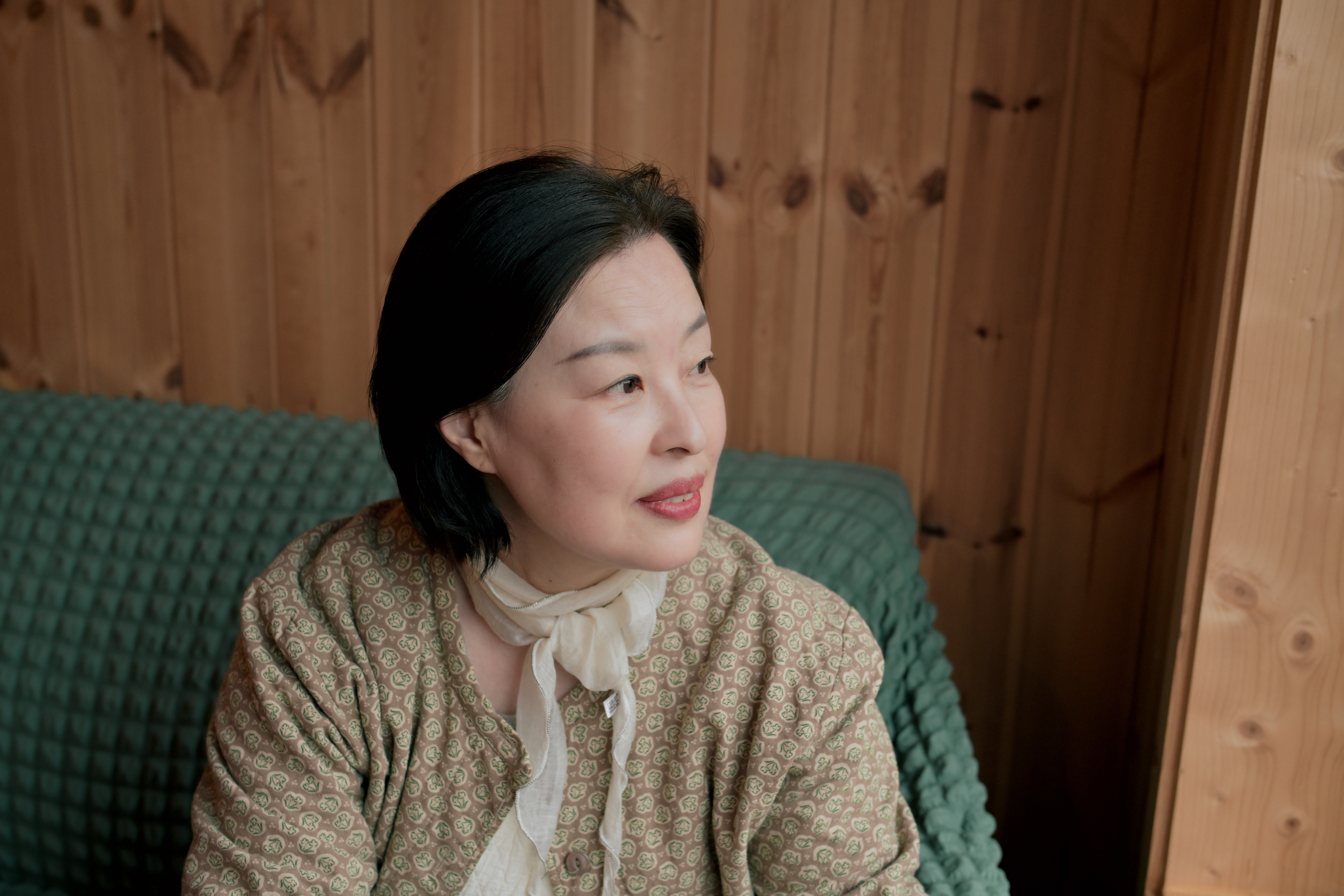
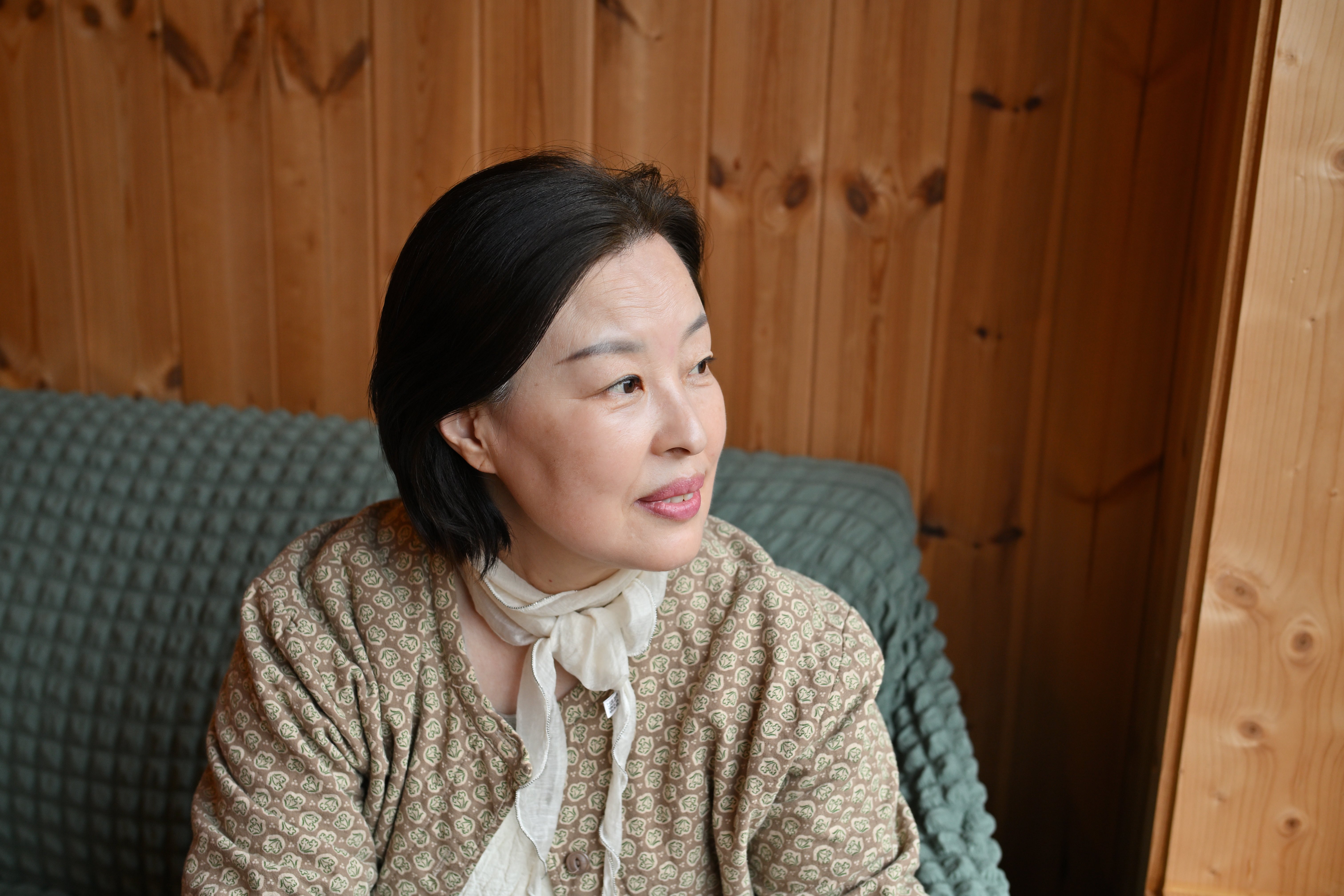
Jeju · Nikon · ARAO color profile
03 — Samples
Straight-from-camera frames, taken across Jeju with ARAO color profiles. Tap any photo to view it full size.
04 — Gallery
Every frame straight from the camera.
Copy the .set file to your SD card root.
Menu › Manage Picture Control › Load from card.
Choose an ARAO profile in the shooting menu.
Press the shutter. Jeju stays in the frame.
06 — Pricing
Free updates, forever.
Your first taste of Jeju
₩190,000
All four seasons of Jeju
₩390,000
Teams & commercial
Contact